Skip to content
  • Welcome to NeonCore! The product catalog and competitive analytics hubs (AoE4, PoE 1 & 2, Tarkov, Arena, Active Matter, LTD2) are available without signing in. Create a unified account to purchase subscriptions and access your dashboard.
Clear maps faster and survive endgame encounters in Path of Exile: instant area event scanner, minimap radar, dangerous rare monster mod alerts, smart flask rules, and price lookup.
EXILEHUD · Path of Exile 112 Curated Modules · Mirage League 3.29 Operational checked 22.10.2026 Tactical overlay and curated 112-module suite for Path of Exile: map radar, rare monster & preload alerts, Expedition/Sanctum/Ultimatum helpers, flask manager, and ninja price lookup.

Spot valuable map events in the first second. Farm faster without dying to hidden mods.

Curated 112-module suite for Path of Exile: area preload alerts, minimap icon radar, rare monster aura breakdown, Sanctum/Expedition overlays, and customizable flask automation.

  • Instant zone scanner: see bosses, Essences, Harvest, Strongboxes, and rare shrines the moment you load into a map
  • Minimap radar & monster mod breakdown: clear layout paths, boss icons, and color-coded warnings for Reflect, Volatile, and Mana Siphon
  • Smart flask & defensive rules: automatic triggers on exact HP/Mana thresholds or the instant Bleed, Freeze, or Corrupted Blood is applied
  • League & trade efficiency: Sanctum room rewards, Expedition remnant warnings, and instant item value checks
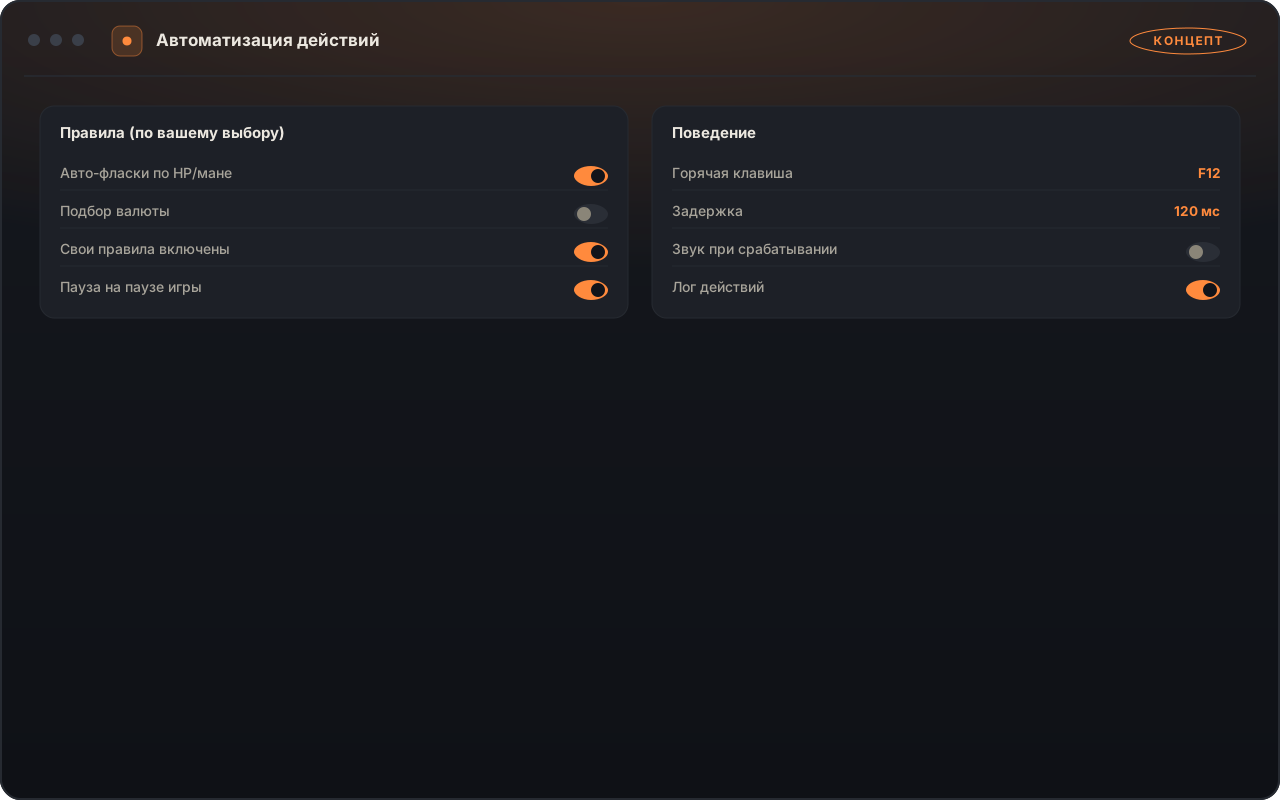
  • Забота о руках и выживаемости: авто-снятие кровотечения и заморозки, поддержание ртутного флакона и перекладывание добычи в сундук одной клавишей
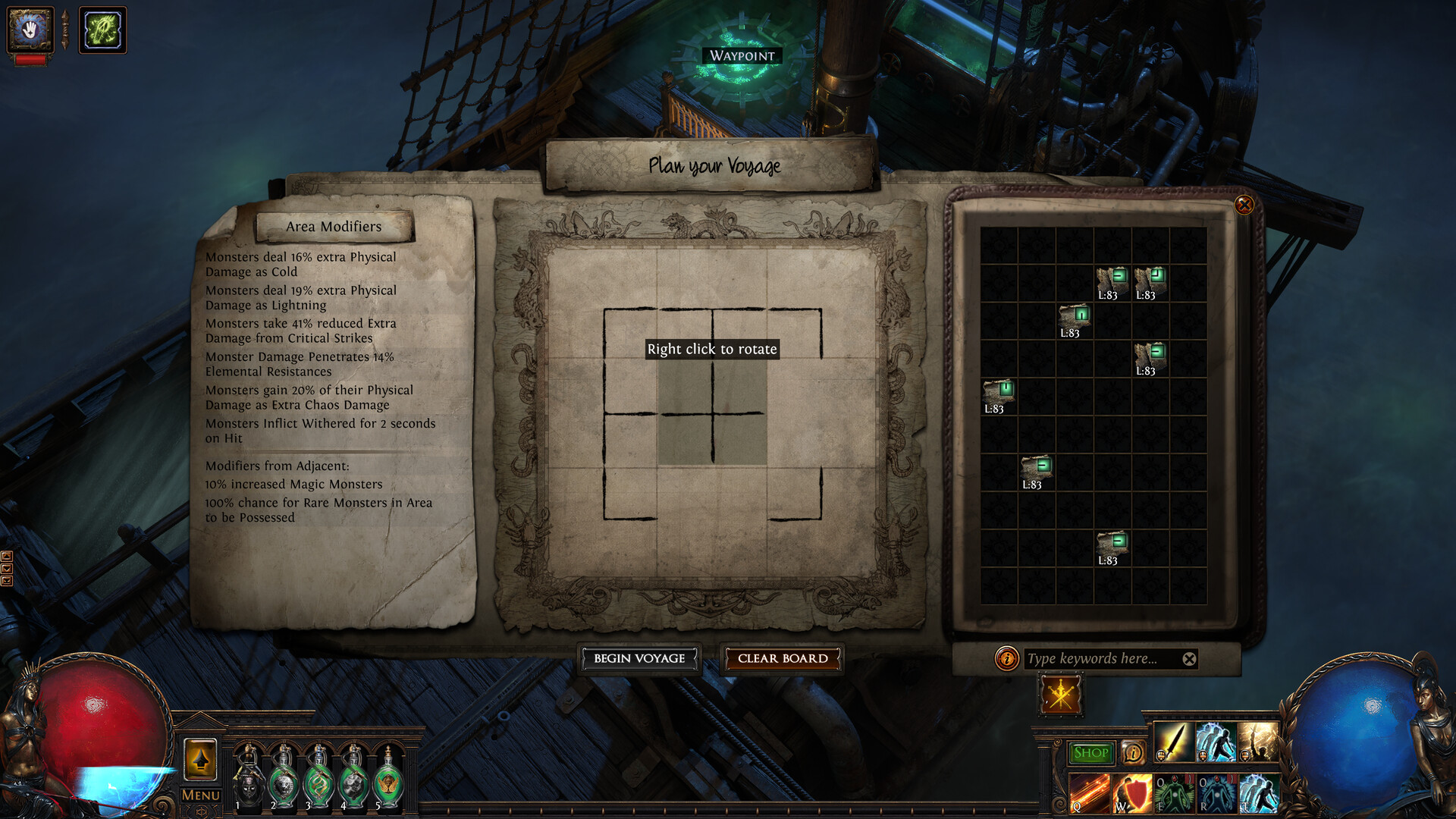
EXILEHUD — 1 EXILEHUD — 2 EXILEHUD — 3
Radar, area event alerts, and item pricing modules in EXILEHUD.
Update October 2026

League 3.29 Support & /poe1world/ Price Sync Live

All 112 modules—including minimap radar, area preload alerts, and helpers for 12 league mechanics—are updated for the current Path of Exile release.

Source: pathofexile.com ↗
Overlay Menu & Modules

EXILEHUD Core Features & How to Use Them

All 112 modules are organized by category in the `F12` menu so you can enable only the indicators and helpers that fit your build.

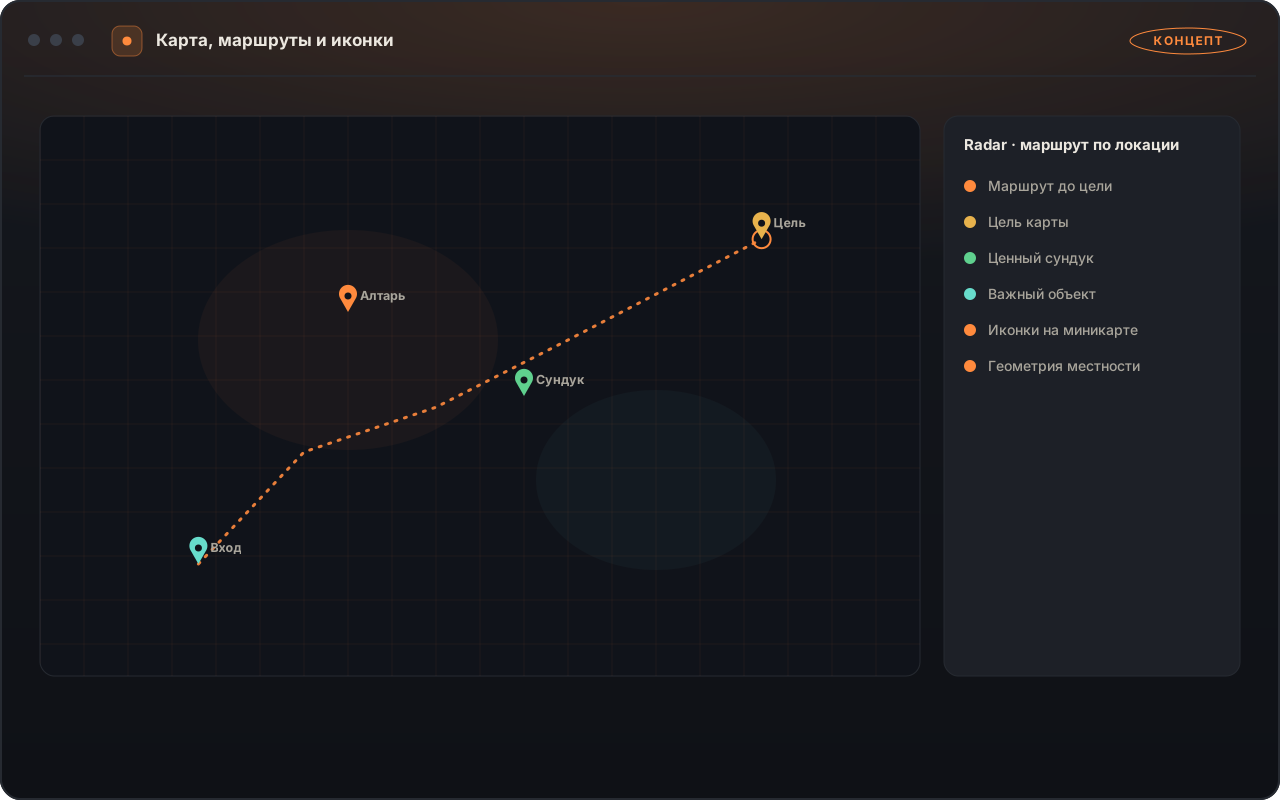
Minimap Radar & Zone Navigation
Radar icon and directional indicator settings.
01

Minimap Radar & Zone Navigation

Displays directional markers toward the map boss, zone transitions, chests, shrines, and rare monsters directly on the overlay map.

Where to enable it

Open the Map & Routes tab in the menu and select icon sizes and object categories.

How to Use

Breeze through campaign acts and clear Atlas maps without hitting dead ends.
Modules

Included Modules & Features

Complete directory of all EXILEHUD modules and the /poe1world/ analytics hub. Every module explains what it highlights in-game and how to toggle it in the menu.

Complete Feature Matrix 47

Badges classify module behavior inside the overlay.

Map & Navigation Routes
  • Minimap Monster & Boss Icons Information
    Displays normal, magic, rare, and unique enemies with distinct color icons in the Map tab.
  • Zone Exit & Boss Arena Pointers Information
    Draws directional indicators toward the next act zone or map boss arena; enabled via checkbox.
  • Chest, Strongbox & Shrine Markers Information
    Shows clear icons for all interactive objects on the overlay map; filterable by category.
  • Campaign Act Guide (Acts 1–10) Information
    Displays concise step-by-step quest hints for leveling new characters.
  • Dangerous Ground Effect & Projectile Highlights Information
    Highlights ground degens and volatile orbs for safer dodging; adjustable brightness.
Area Event Alerts & Loot Filters
  • Zone Entry Event Summary Information
    Lists rare bosses, essences, strongboxes, and NPCs immediately upon loading into a map.
  • Audio & Visual Rare Encounter Banner In-Game Action
    Displays a prominent alert when a high-value event is present in the zone; enabled via checkbox.
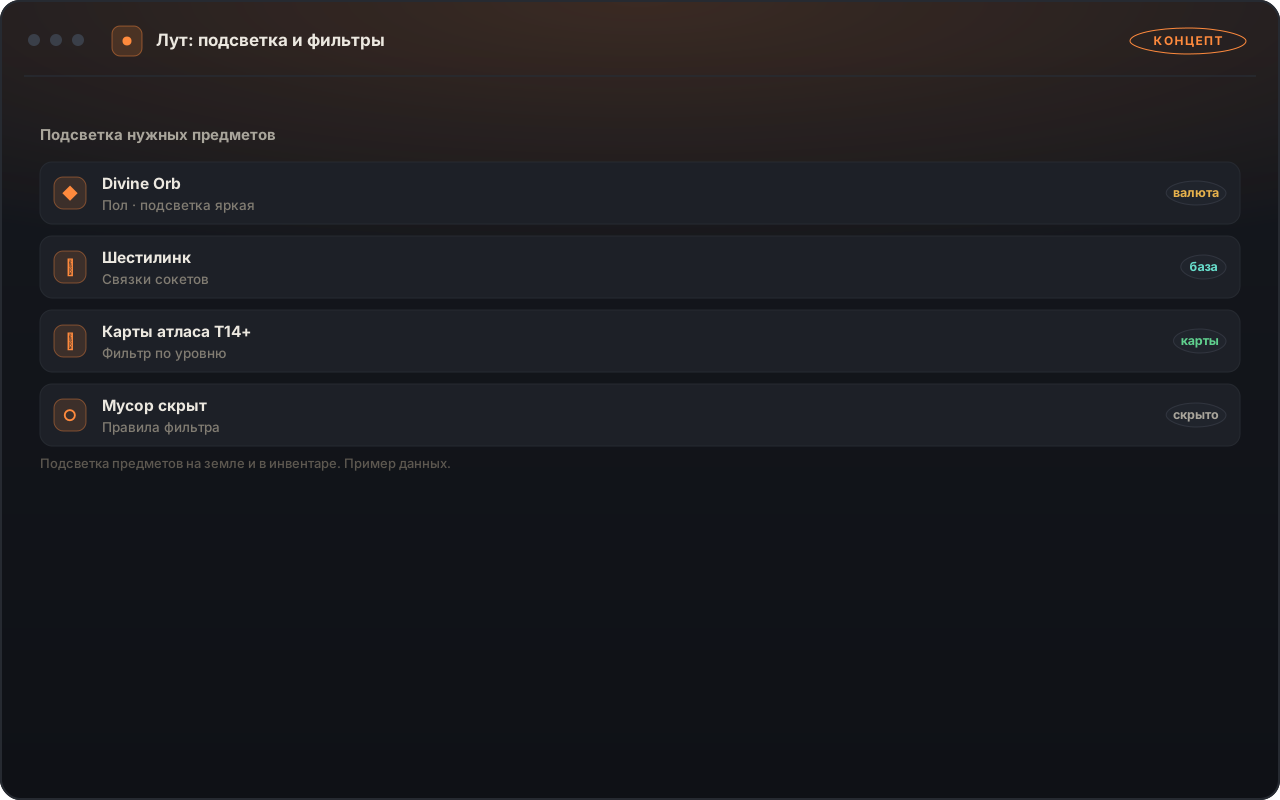
  • Ground Loot Value Highlighter Information
    Draws extra attention to valuable currency, maps, and divination cards on the ground.
  • Remaining Monster & Map Mod Counter Information
    Shows a compact summary of remaining monsters and map stats in the corner of your screen.
  • Six-Link & Crafting Base Filter Information
    Marks valuable linked gear and high-item-level crafting bases in the Loot tab.
  • Session Loot Value Tracker Information
    Tallies total value of currency and maps collected during your play session; reset with one click.
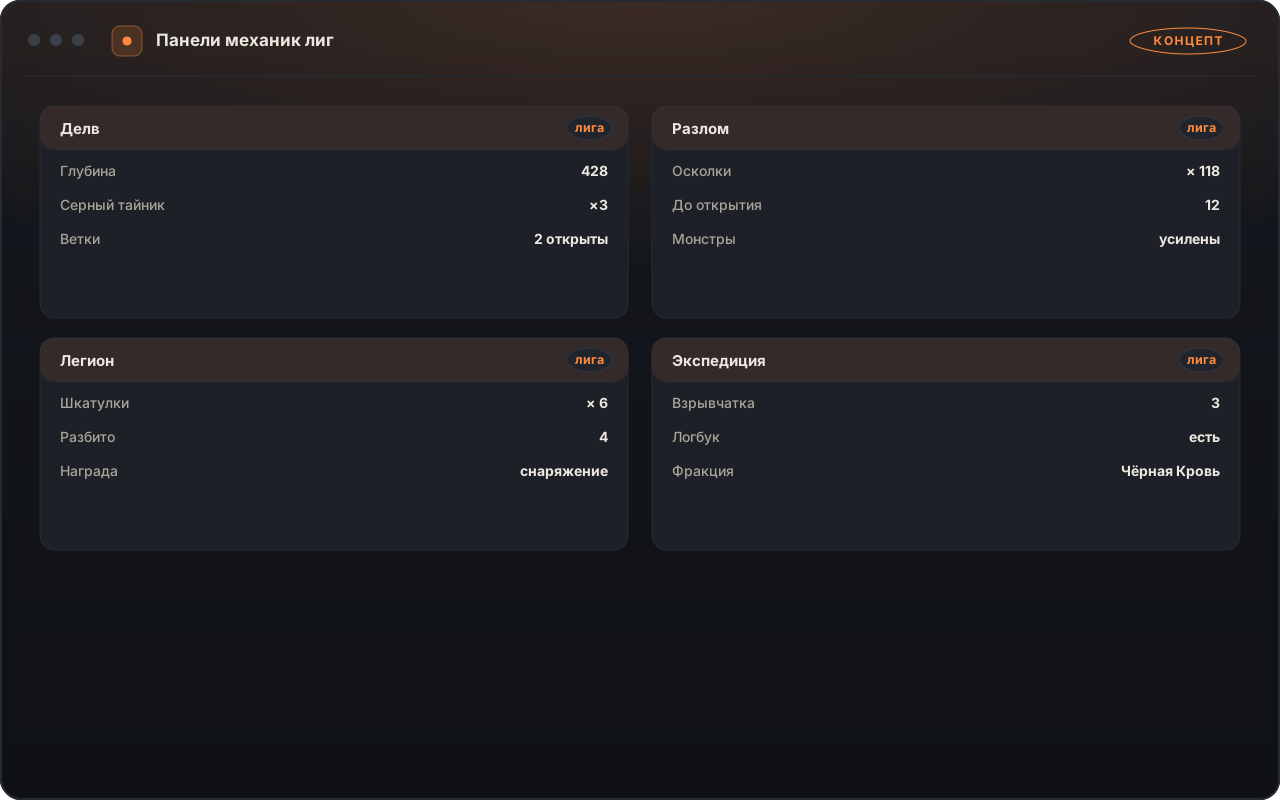
Helpers for 12 League Mechanics
  • Expedition Explosive Placement Planner Information
    Calculates the optimal explosive chain covering the highest-value runic monsters and chests.
  • Expedition Remnant Immunity Warning In-Game Action
    Highlights remnants that grant immunity to your character's damage type in bright red.
  • Forbidden Sanctum Room & Reward Radar Information
    Reveals room types, afflictions, and rewards ahead on the Sanctum map; enabled via checkbox.
  • Eldritch Altar Reward & Hazard Filter Information
    Highlights lucrative Searing Exarch and Eater of Worlds rewards in green and deadly mods in red.
  • Immortal Syndicate Betrayal Cheat-Sheet Information
    Shows reward tiers for every Syndicate member across all four divisions directly over the board.
  • Ritual & Nameless Seer Tribute Valuator Information
    Sorts tribute window items by market price and reminds you before leaving unspent tribute.
  • Grand Heist Display Case Evaluator Information
    Highlights the highest-value replica uniques and gems in Heist curio displays.
  • Harvest Plot Lifeforce & Tier Comparison Information
    Compares lifeforce yields and monster tiers across Sacred Grove plots.
  • Breach & Legion Monolith Radar Information
    Marks generals and reward chests on the minimap as soon as a monolith activates.
  • Ultimatum Wave & Modifier Advisor Information
    Warns of dangerous arena modifier combinations before selecting the next round.
  • Incursion Temple Room Upgrade Guide Information
    Advises which room option yields corruption chambers and valuable gem rooms.
  • Delve Azurite Mine Wall & Node Finder Information
    Highlights fractured walls and hidden fossil nodes along your Delve path.
Combat, Minions & Character Status
  • Dangerous Rare Monster Mod Badges Information
    Displays clear labels above rares with reflect, suppression, or on-death explosions in the Combat tab.
  • Buff, Charge & Guard Skill Timers Automation
    Shows readable countdown bars for your key defensive buffs right next to your character.
  • Minion & Spectre Health Monitor Information
    Tracks active minion counts and warns when key spectres or animate guardians drop low.
  • Map Reflect Warning Banner Information
    Alerts you before entering a map that rolls physical or elemental damage reflection.
  • Skill & Aura Range Rings Information
    Draws a customizable circle showing exact attack and aura radius around your character.
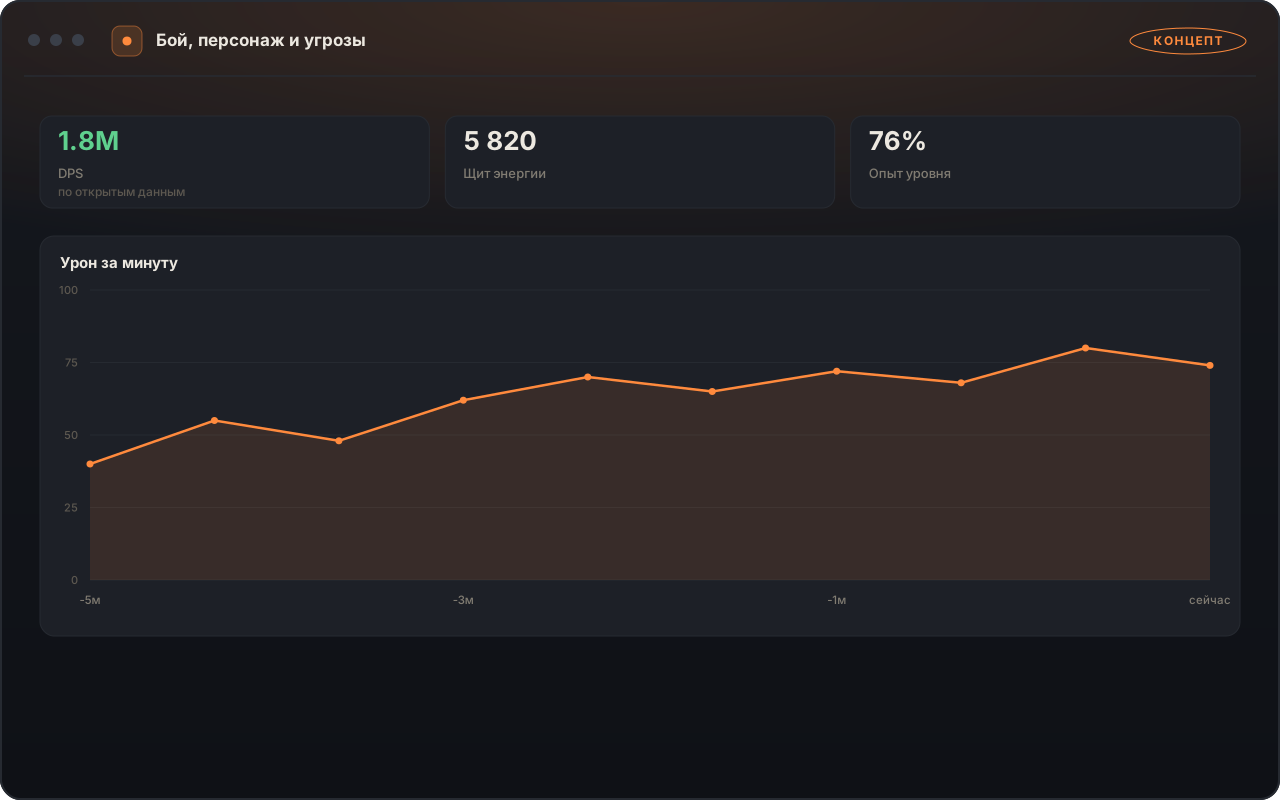
  • Health & Energy Shield Spike Monitor Information
    Helps track sudden incoming damage bursts during boss encounters.
Item Pricing, Exchange & Stash Economy
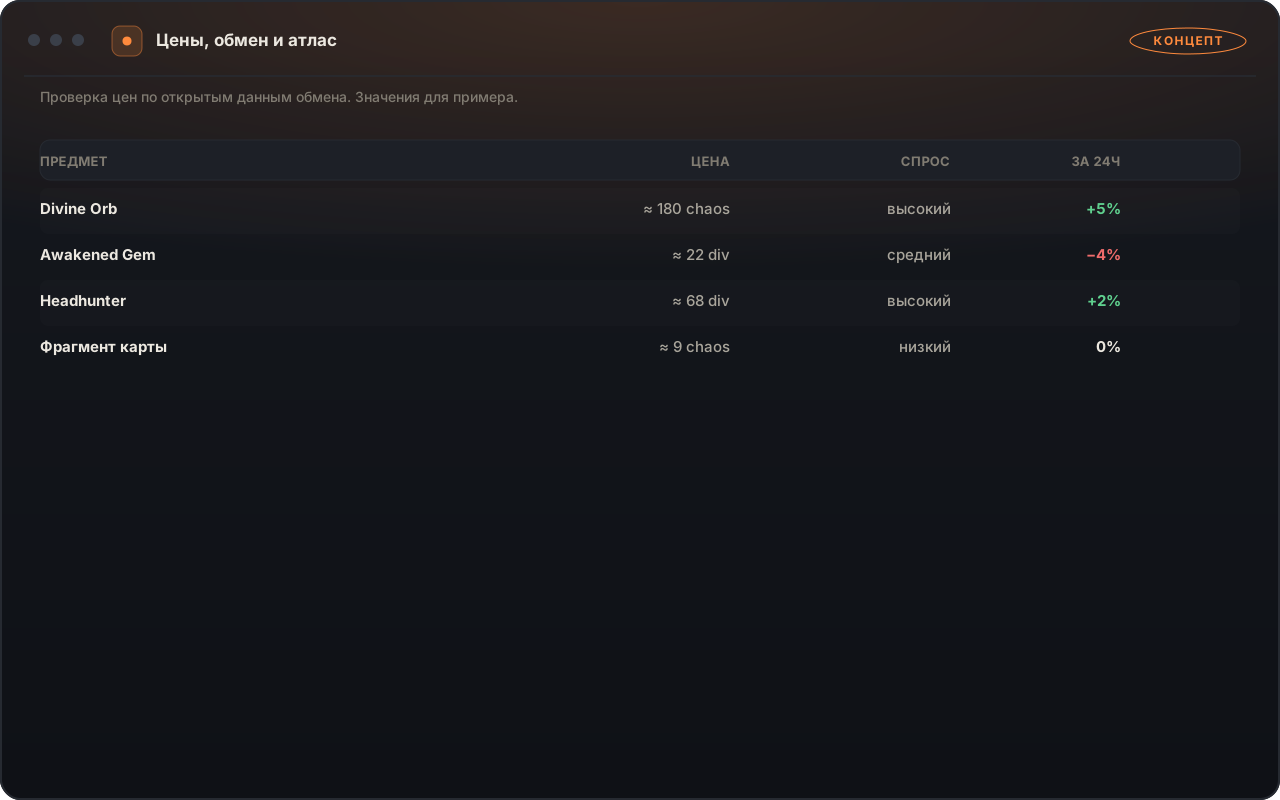
  • Live Market Item Price Overlay Information
    Shows current prices for uniques, gems, scarabs, and divination cards on hover.
  • Full Stash Tab Valuation In-Game Action
    Calculates total value of an open stash tab and highlights the most valuable slots.
  • Labyrinth Divine Font & Currency Advisor Information
    Compares transfigured gem market values at the end of the Labyrinth.
Crafting, Map Rolling & Build Helpers
  • Unsafe Map Modifier Checker In-Game Action
    Marks maps in your stash that contain modifiers unsafe for your build via a simple checklist.
  • Stash & Vendor Search String Builder Information
    Generates one-click search strings for socket links, colors, and map tiers.
  • Bulk Map Preparation Helper Information
    Highlights which maps in your tab still need chisels, alchemy orbs, or scouring.
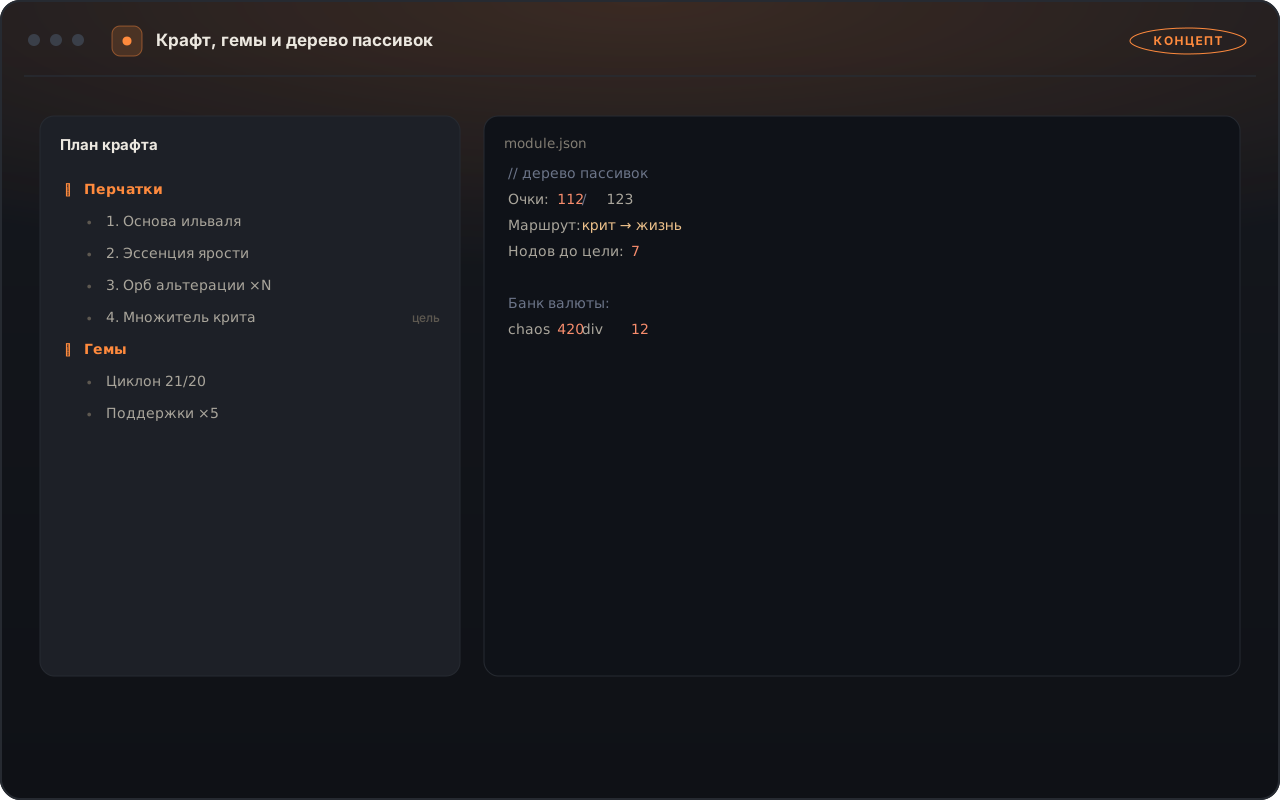
  • Interactive Crafting & Mod Weight Reference Information
    Access modifier weight tables and crafting calculators on the /poe1world/ portal.
Flask Rules, Quick Actions & Automation
  • Smart Life & Mana Flask Triggers In-Game Action
    Activates life or mana flasks automatically when dropping below your chosen slider percentage.
  • Instant Bleed, Freeze & Shock Cleansing Automation
    Triggers the appropriate utility flask as soon as a dangerous ailment is applied.
  • Automated Quicksilver & Defensive Flask Uptime Automation
    Maintains speed and armor flasks while moving and fighting; configurable per slot.
  • Emergency Guard Skill Trigger Automation
    Activates your bound guard skill key when health drops below your safety threshold.
  • Quick Stash Dump Helper Automation
    Moves items from your inventory into your stash while holding a single hotkey.
  • Bulk Identify & Vendor Helper In-Game Action
    Streamlines applying scrolls of wisdom and vendoring inventory rows.
  • Nearby Chest & Door Opener Automation
    Opens nearby chests and doors when pressing your assigned convenience hotkey.
  • Emergency Logout Macro Automation
    Quickly exits to the character screen when health drops below a critical threshold.
  • Randomized Action Pacing Sliders Automation
    Configure natural timing intervals between automated actions in the Automation tab.
Personalization & PoE 1 World Hub (/poe1world/)
  • Farming Profile Manager Information
    Switch between saved module presets for Atlas mapping, Sanctum, Heist, or Bossing.
  • /poe1world/ Analytics Hub Information
    Live currency rates, Atlas tree planner, class meta tracker, and item database on the web.
Configuration

Customized for Your Build & Farming Strategy

Press F12 (or Insert) to open the menu. Enable only the modules you want out of the 112 included and save dedicated profiles for different content.

Dedicated Farming Profiles

Switch with one click between presets for fast Atlas mapping, Sanctum runs, or stash sorting.

Per-Slot Flask Rules

Set independent trigger conditions for slots 1–5 by health percentage, mana, or specific ailments.

Color-Coded Map & Altar Mods

Check off modifiers that brick your build so they highlight in bright red on maps and altars.

Adjustable Radar & Panel Scale

Customize minimap icon sizes and drag information panels anywhere to match your screen resolution.

Чейнджлог · Последние 20 дней

Обновления EXILEHUD (PoE 1) за последние 20 дней

Журнал обновлений набора из 112 модулей, улучшений защиты и облачной синхронизации за октябрь 2026.

v3.4.2 Защита и рефакторинг 21.10.2026
Улучшение встроенной защиты и оптимизация работы в плотных картах

Усилен защитный контур сессии и проведён рефакторинг обработки визуальных подсказок при большом числе объектов на экране.

  • Улучшена встроенная защита и стабильность длительных игровых сессий.
  • Проведён рефакторинг фильтрации лута и расчёта ценности наград в эндгейм-контенте.
  • Ускорен отклик интерфейса при переключении профилей.
v3.4.0 Крупный релиз 17.10.2026
Расширение библиотеки до 112 модулей и запуск Облачного Marketа

Добавлены новые модули навигации, избранные вкладки, фильтр активных функций и синхронизация с Marketом.

  • Добавлено закрепление избранных модулей (★) и быстрый фильтр «Только активные».
  • Подключена загрузка готовых сборок и правил из Облачной Мастерской в один клик.
  • Добавлено применение изменений правил и цветов без перезапуска игры.
v3.3.5 Newest функции 12.10.2026
Обновление помощника торговли, таймеров боссов и защиты

Расширены возможности панели быстрого обмена, обновлены индикаторы опасных зон и улучшена защита.

  • Добавлены настраиваемые шаблоны быстрых ответов для торговых сделок.
  • Улучшена встроенная защита при автоматическом обновлении сборки.
  • Проведён рефакторинг отображения радиусов аур и таймеров перезарядки.
v3.3.1 Стабильность 05.10.2026
Рефакторинг профилей автофласок и оптимизация радара

Переработана логика порогов срабатывания защитных умений и улучшена чёткость мини-карты.

  • Проведён внутренний рефакторинг условий срабатывания флаконов и защитных кнопок.
  • Добавлены цветовые схемы маркеров для редких сундуков и алтарей.
Compatibility · Path of Exile

Requirements & Limitations

System requirements, window display mode, and 1-PC loader binding rules.

Path of Exile
EXILEHUD Steam & Standalone · Windows 10 / 11
  • Windows 10 / 11 (64-bit)
  • Steam & Standalone Client
  • Windowed Fullscreen (Borderless)
  • 1-PC Device Binding
  • 112 Individually Toggleable Modules
Environment Configuration
System Requirements
Operating System
Win 10 / 11 x64
Windows 10 (21H2+) or Windows 11 (22H2–24H2), 64-bit
Game Client
Steam / Standalone
Official 64-bit Path of Exile client on Steam or Standalone launcher
Display Mode
Windowed Fullscreen
Set display mode to Windowed Fullscreen (Borderless) in the game's graphics settings
Device Binding
1 PC
Your loader binds to 1 PC; standard TPM 2.0 plans and a dedicated No-TPM plan are available
Module Selection
HUD / Automation
Choose whether to use purely informational panels (radar, prices, map mods) or enable flask and click helpers
Menu Hotkey
F12 / Insert
Manage all 112 modules and profiles directly over the game window
Usage Rules
Terms & Usage Notes
  • Windowed Fullscreen Mode Required Display Setting
    Select Windowed Fullscreen (Borderless) in the game's graphics settings so the radar and panels display over the game.
  • Toggle Any Module Independently Full Control
    Every flask or quick-click helper can be disabled completely if you prefer a radar- and pricing-only setup.
  • Single-PC License Binding 1 Key = 1 PC
    Your license binds to your PC on first login. If your system lacks TPM 2.0, select the No-TPM plan at checkout.
  • League Patch Updates & Freeze Pause in Dashboard
    Updated promptly for league patches. Between leagues, you can freeze your remaining subscription time in your dashboard.
  • Independent Unofficial Add-On Policy
    This is an independent unofficial add-on used at the player's own discretion.

Terms of Use ↗

EXILEHUD is an independent unofficial add-on and is not affiliated with Grinding Gear Games.
Subscription

Select Duration

Subscription for EXILEHUD. Other catalog products are subscribed separately.

Instant Online Checkout: Bank Cards / SBP / Instant Pay USDT / BTC / TON xRocket ⚡ Мгновенная автоматическая активация доступа
Ratings & Reviews · Verified

Player Reviews for EXILEHUD

Verified subscriber reviews and ratings for EXILEHUD in Path of Exile. Full community discussion and feedback are available in the product forum section.

4.9 / 5
Average Product Rating · ★ 4.9
Based on 42 verified subscriber ratings
omonov Verified Subscriber
★★★★★ 5/5

Map event summary on entry and smart flask automation

Entering a map immediately displays bosses, rare strongboxes, and league encounters while the radar guides you to the exit. Utility flask rules take less than a minute to configure in the menu.

skizer Verified Subscriber
★★★★★ 5/5

Instant loot price check and league mechanics helpers

Hovering over items in your inventory or stash shows their market value, and built-in visual helpers make choosing optimal rewards in Expedition and Sanctum effortless.

FAQ

Frequently Asked Questions about EXILEHUD

How do I open the menu and configure modules in-game?
Launch via your loader and press F12 (or Insert) in the game window. You can toggle and configure any of the 112 modules.
Which display mode should I set in Path of Exile?
Select Windowed Fullscreen (Borderless) in the game's graphics settings. Exclusive Fullscreen prevents overlays from appearing over the window.
Can I use only the radar and price lookup without automated flasks?
Yes. Every flask and quick-click module toggles independently — you can run a strictly informational HUD profile.
What is the difference between standard plans and the 'No-TPM 2.0' plan?
Standard plans run on PCs with TPM 2.0 enabled. If your motherboard does not have TPM 2.0, choose the '30 Days · No TPM 2.0' plan at checkout.
Where can I check live currency rates and league builds?
Live currency trackers, an Atlas planner, and build statistics are openly available on /poe1world/.
About the Game

Official Media: Path of Exile

Official game trailer and screenshots from the game publishers. NeonCore overlay modules are showcased in the sections above.

Official game trailer. Official Source ↗
Path of Exile — 1
Official game screenshot.
Path of Exile — 2
Official game screenshot.
Path of Exile — 3
Official game screenshot.
Path of Exile — 4
Official game screenshot.

Official Steam Store Page ↗ Media verified 2026-10-17

Каталог

Подписка оформляется на конкретный продукт: покупка одного не открывает другие.

Full Catalog

Ready to optimize your mapping in Path of Exile?

Review the modules and system requirements, then choose your plan. Total price is shown upfront before payment.

Share this product with friends & teammates Send a rich preview card to Telegram, Discord, VK, X, or copy a direct link.
Back
Top